Hyper Realistic Ragdoll Controls Guide
Movement, fire, G respawn, grab/throw, mobile aim, and settings that keep ragdoll chaos playable.
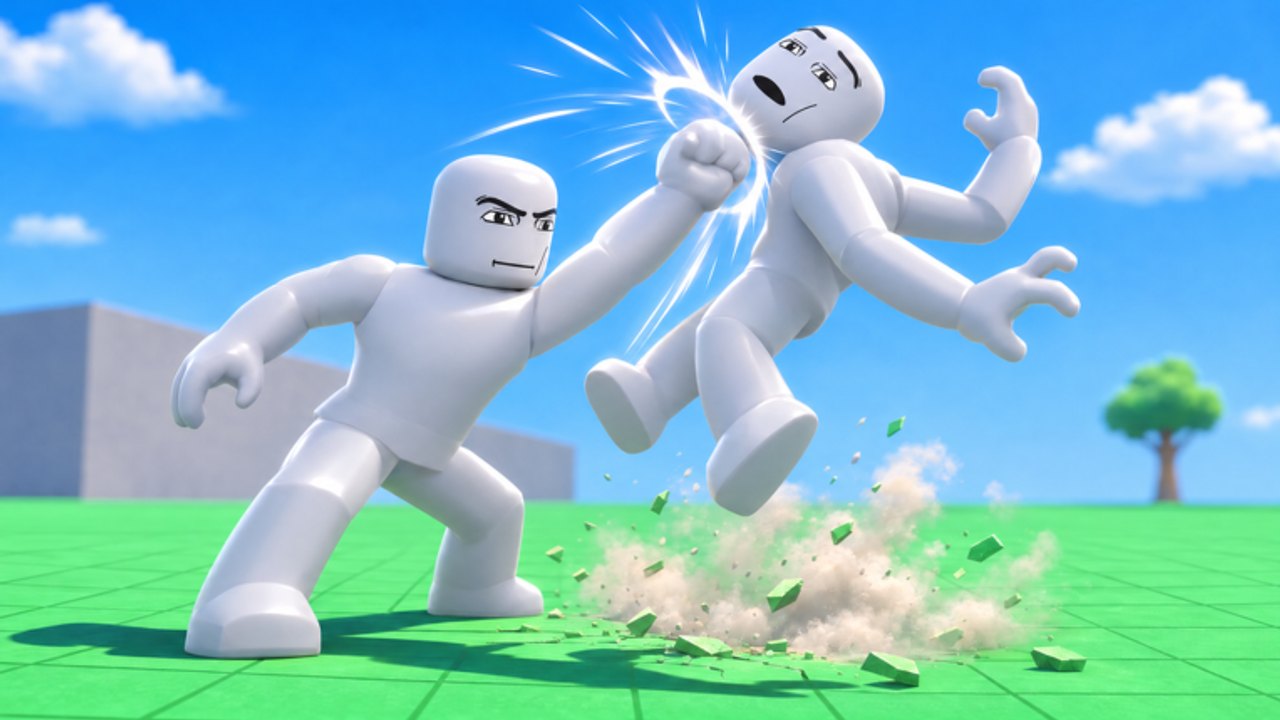
Hyper Realistic Ragdoll uses familiar Roblox movement with a few sandbox-critical bindings. Miss those bindings and farming feels broken even when your aim is fine. This page lists PC defaults, empty-hand grab and throw, mobile tips, and graphics settings for heavy explosion scenes. Pair it with Getting Started for the day-one loop and How to Farm KOs Fast once inputs feel natural.
Bindings can shift slightly after patches — if an on-screen prompt disagrees with this table, trust the live game and then tell us via the usual update channels. Core facts below match community reports for the Emo Playworks release (October–November 2026).
PC controls
| Action | Input | Why it matters |
|---|---|---|
| Move | WASD | Standard locomotion; stay close to dummy clusters while farming |
| Look / aim | Mouse | Keep the crosshair at head height for KOs |
| Use weapon / tool | LMB (left mouse button) | Fire guns, swing melee, trigger held tools |
| Jump | Space | Clear low props, hop onto vehicles, reset awkward footing |
| Respawn dummies | G | Instantly refresh targets — the backbone of KO farming |
| Grab / throw | Empty hands + click interactions | Physics damage without a weapon; swing and throw ragdolls |
| Switch tools | Number keys / hotbar / tools menu | Swap pistol, grenades, Hand Cannon, Medkit, and more |
G — never skip this key
G respawns dummies around the map. It is not a minor quality-of-life toggle; it is the difference between an unlock grind and a sightseeing tour. After you knock out a group, press G before you walk away. Full farm rhythm lives on Farm KOs.
Some players also use G to re-seed an area after disasters or vehicle pileups wipe the local cast. If the map feels empty, tap G before you blame spawn rates.
Empty-hand grab and throw
Unequip weapons so your hands are free. Approach a dummy, grab it, swing for momentum, then throw. The same per-limb physics apply: slammed heads and awkward landings can faint targets, while softer tosses just create comedy ragdolls. Grabbing is ideal when you want to feed dummies into the giant fan, cannon, crusher, or Fight Ring without spending ammo — see Map Hazards.
On PC, precise camera aiming while holding a body takes practice. Start with stationary dummies, then try moving targets. If a grab fails, confirm nothing is equipped and that you are close enough.
Body Scan and revive-related inputs
Body Scan is the X-ray injury view. Community footage commonly uses a dedicated scan binding (often discussed as V in showcase videos) alongside UI entry from the tools or inspect flow. After you damage a dummy, open Body Scan to see broken bones. Full medical logic is on Body Scan and Body-Part Damage.
Revive tools — Medkit and Defibrillator — live in your tool list once unlocked. Equip them and use the normal activate input (LMB on PC) on downed dummies. Showcase videos also mention an R-style revive shortcut for broad resets; verify against your current build’s on-screen hints, because sandbox titles iterate quickly after Update 1.
Mobile tips
Mobile Roblox uses on-screen sticks and buttons. Practical advice for this game:
- Lower graphics first if explosions stutter (details below).
- Enable shift lock / camera modes you prefer so aiming at heads is consistent while you strafe.
- Stay closer than you would on mouse — touch aim is less precise for long-range pistol shots.
- Find the G control on the mobile action stack early; farming without respawn is painful on touch.
- Grab with empty hands by selecting no tool and using the tap/hold grab affordance on a nearby dummy (exact label varies by Roblox touch UI).
- Use two thumbs deliberately: one for move, one for look/fire. Do not chase disasters mid-farm until controls feel automatic.
If your device overheats during meteor or flamethrower spam, take short breaks or switch to lighter tools (pistol, Hand Cannon) instead of full map chaos.
Graphics and performance settings
Ragdoll piles, particle-heavy disasters (tornado, tsunami, meteor), flamethrower streams, and vehicle crashes are the usual frame-time killers. When shots feel late, it is often FPS — not “bad hit detection.”
Recommended approach:
- Open Roblox Settings → Graphics mode.
- Switch from Automatic to Manual if needed.
- Lower quality until movement stays smooth while two or three ragdolls tumble nearby.
- Re-test with a grenade and a short flamethrower burst.
- Raise one notch only if the game stays above a comfortable frame pace.
Other tips:
- Close background apps on phones and low-end PCs.
- Avoid stacking every disaster at once while you are still learning aim.
- Prefer a stable farm corner over the busiest multiplayer scrapyard when you need unlocks.
Controls checklist for new players
- Move with WASD and keep camera at head height
- Fire with LMB and confirm the pistol is equipped
- Jump with Space to fix stuck footing
- Press G after every cleared cluster
- Unequip gear and successfully grab → throw one dummy
- Open Body Scan after a deliberate limb shot
- On mobile: lower graphics, locate G, practice close-range headshots
How controls connect to the rest of the wiki
Good inputs make every other guide shorter. Farm KOs assumes you already mash G without thinking. Weapons assumes you can swap tools under pressure. Body Scan assumes you can inspect after a fight. Map Hazards assumes you can grab bodies into machines safely.
For progression context after Update 1 (multiplayer Quick Join, fourteen new tools), read Updates. For rankings, see the Tier List. For the full tutorial index, return to the Guides Hub. Codes remain unverified as of November 2026 — Codes — so do not stall in menus hunting promo strings when you could be practicing aim.
Common control problems
“Dummies never come back.” You are not pressing G.
“My shots do nothing.” Check that a weapon is equipped, you are in range, and FPS is stable. Then aim higher.
“I can’t grab.” Empty the hands. Get closer. Try a stationary dummy first.
“Mobile aim is hopeless.” Close the distance, lower graphics, and farm with pistol or Hand Cannon instead of sniper angles until muscle memory exists.
“Everything stutters when I use rockets.” That is expected on weak hardware — drop graphics or save splash tools for short bursts.
Master these inputs once and the sandbox stops fighting you. The physics is the toy; the keyboard and touch layout are how you reach it.
Frequently Asked Questions
Quick answers to the most common questions.
What does G do in Hyper Realistic Ragdoll?
G respawns dummies so you can continue farming KOs without waiting for natural resets.
How do I grab and throw dummies?
Unequip weapons so your hands are empty, move close, grab the dummy, swing for momentum, then throw.
What are the basic PC controls?
WASD to move, mouse to aim, LMB to use weapons or tools, Space to jump, and G to respawn dummies.
How can I fix lag on mobile?
Lower Roblox graphics quality manually, stay closer for easier aim, and avoid stacking every disaster while farming.
Where do I learn the KO farm after controls?
Read How to Farm KOs Fast for the pistol, grenade, and Hand Cannon loop once G and aiming feel comfortable.