Badshah Hub for Hyper Realistic Ragdoll
Combat, movement, and teleport features with mandatory executor risk warnings.
Safety disclaimer
Running script executors can lead to account bans and malware infections from fake hubs, gist mirrors, or key pages. Use at your own risk. This fan wiki is not affiliated with Roblox, Emo Playworks, Badshah Hub authors, gist hosts, or any executor brand. We do not guarantee the loadstring stays clean. Prefer normal play through Getting Started and the Tools Hub if you want zero ToS conflict.
Compare farming-focused tools on the KO Farm script page and the overview on the Scripts Hub.
Hub focus
Badshah Hub is discussed as a combat and movement suite for Hyper Realistic Ragdoll rather than a full KO progression bot. Players looking to survive chaotic ragdoll hits, fling dummies, heal broken bones instantly, or hop map landmarks often look here. After Update 1, map teleports and anti-ragdoll toggles interact with smarter dummies that dive, take cover, and revive allies—expect different results than launch week.
Reported features
Survivability
- Godmode / Anti-Ragdoll — Attempts to keep your avatar upright or immune when the sandbox would otherwise ragdoll you from blasts, vehicles, or dummy counterattacks.
- Instant Heal (Fix All Bones) — Snaps bone/injury state back to healthy, similar in spirit to using in-game medical fantasy tools without the wait. Useful when testing heavy weapons from the Update 1 set.
Anti-ragdoll can make the game feel empty because the fantasy of Hyper Realistic Ragdoll is watching bodies fail convincingly. If you only want film-style clips, consider recording on a clean account without godmode so physics read better.
Offense and crowd control
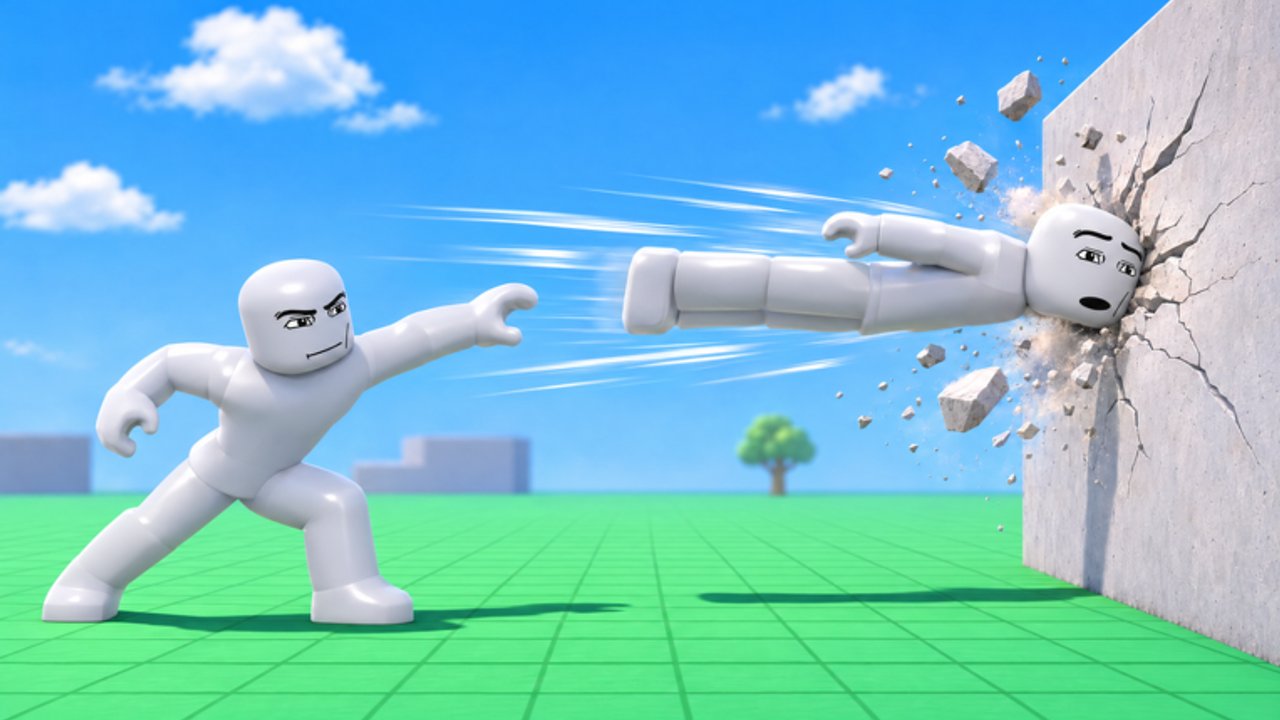
- Push Aura — Continuously applies push/fling forces to nearby dummies (and potentially players on shared servers).
- Super Push — Stronger on-demand shove, often bound to a hotkey in the hub GUI.
On Quick Join multiplayer servers documented under Players, push aura is one of the fastest ways to earn reports. Keep it off around humans.
Movement
- Infinite Jump — Repeat jumps without touching ground.
- Fly — Free flight across arenas, towers, and vehicle routes.
- WalkSpeed — Adjustable sprint beyond default sandbox speed.
High walkspeed plus fly makes it trivial to reach Update 1 vehicle pits, gorilla/bull encounter spaces, and tool racks—but it also skips the spatial learning that makes the sandbox funny. Use sparingly if you still want to learn layouts for legitimate sessions.
Teleports
Common teleport targets reported with this hub:
- Tower
- Cannon
- Crusher
- Graveyard
- Monster arena
These landmarks are useful for testing specific physics toys without crossing the whole map. They are also spoilers if you enjoy exploring blind—read Update 1 for context on new creatures and tools first.
Loadstring
loadstring(game:HttpGet("https://gist.githubusercontent.com/raw/c6877b4cf152d95fc925baab7cdda5bf/l_b78808.lua", true))()Gist raw URLs can be edited by owners or break without warning. If the content changes to ask for your .ROBLOSECURITY cookie, do not run it. Re-check this page after major game patches listed on the Updates Hub.
Generic usage notes
- Accept ban/malware risk or stop here.
- Join official Hyper Realistic Ragdoll; finish loading HUD and tools.
- Attach your chosen executor (brand agnostic—this wiki endorses none).
- Paste the loadstring; execute once.
- Open the Badshah GUI; enable only the modules you understand.
- Test Instant Heal and Anti-Ragdoll in a quiet area before combining with Push Aura.
- Use teleports to tower/cannon/crusher/graveyard/monster arena as needed for isolated tests.
- Disable aura and godmode before inviting friends via Quick Join so sessions stay fair.
Hotkeys differ by hub version. Read any on-screen legend the GUI prints instead of assuming community keybinds from old clips.
When Badshah Hub is the wrong tool
- You want automated KO counts and unlock-all tools — see KO Farm / All Tools instead.
- You want official free rewards — watch Codes; none are verified yet.
- You want ranked weapon advice — use Tier List after unlocking gear normally.
- You want multiplayer sandbox etiquette — read Players and leave hubs off.
Stability expectations after Update 1
Update 1 introduced multiplayer server list / Quick Join, dummies driving bikes/quads/Jeeps, Gorilla and Bull creatures, fourteen new tools, and smarter dummy tactics (cover, dive, memory, revive). Hubs written against solo-only servers may:
- Fail to apply godmode when replication changed
- Push players as well as dummies
- Break teleports if landmarks moved
- Desync bone heal visuals versus server health
If something breaks, the safe response is to stop using the script, not to download five alternate “fixed” loaders from strangers.
Harm-reduction checklist
- Secondary account only
- No cookie paste into hubs
- Antivirus left on
- No executor on shared family PCs with payment info saved
- Rejoin after toggling major modules if physics desync
- Cross-read Wiki overview so you know official systems versus cheats
Related reading
- Scripts Hub
- KO Farm script
- Update 1
- Tools unlock checklist
- How to Redeem Codes (separate from scripts)
Final reminder: executors risk ban and malware; use at your own risk; this wiki is not affiliated with Badshah Hub or Roblox.
Frequently Asked Questions
Quick answers to the most common questions.
What is Badshah Hub used for in Hyper Realistic Ragdoll?
Reported modules include godmode/anti-ragdoll, push aura, super push, instant bone heal, infinite jump, fly, walkspeed, and teleports to tower, cannon, crusher, graveyard, and monster arena.
What is the Badshah Hub loadstring?
loadstring(game:HttpGet("https://gist.githubusercontent.com/raw/c6877b4cf152d95fc925baab7cdda5bf/l_b78808.lua", true))(). Remote gists can change; run only at your own risk.
Is godmode undetectable?
No claim of undetectable status is trustworthy. Anti-ragdoll and godmode can still be logged, broken by updates, or lead to moderation.
Can push aura fling other players?
On multiplayer servers after Update 1, area pushes may affect more than dummies. That behavior is reportable. Turn aura off around people.
Does this wiki support the script if I get banned?
No. The wiki is informational only and not affiliated with the authors, executors, or Roblox.